Transfer Admin Rights
Change account admin or transfer your Foreplay account ownership to a new email.
Written By Zach Murray
Last updated Over 1 year ago
🚨 You MUST be the current admin on the account to request this transfer. If your current admin can not access the account, please reach out to support [email protected]
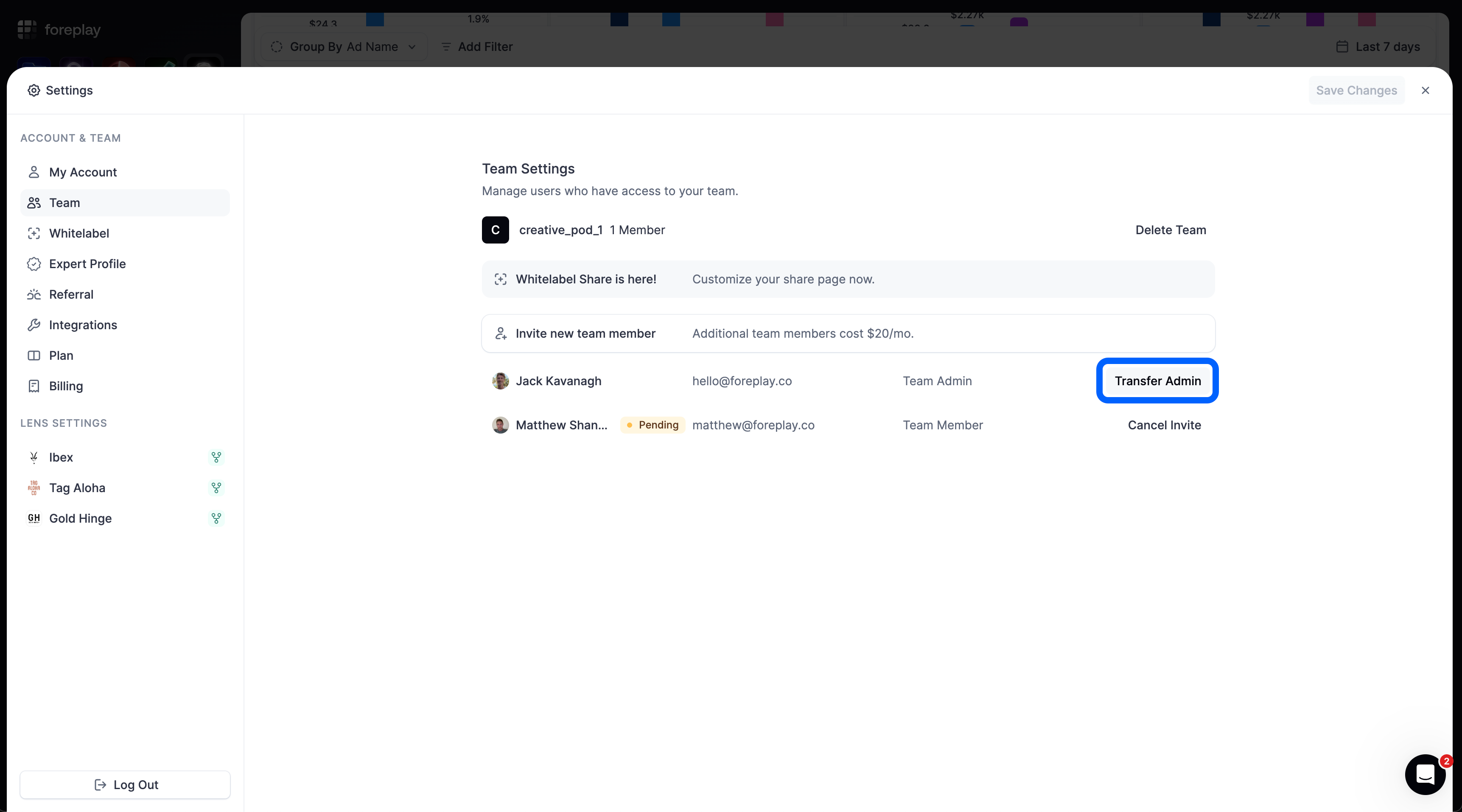
To safely transfer the admin rights of an account to a new email the Foreplay team will do this on the backend within 48 hours. To request this transfer:
Go to “Team” on the Account Setting Screen
Click “Transfer Admin”
Fill-out the form and include
a. The current admin email on your account.
b. The email you would like to make as admin
ℹ️ The email you are requesting to transfer to must be a currently active team member on the Foreplay account.
Was this helpful?
Still need help? Share an idea