Filters
Learn how to filter your reports to narrow down the segment you want to analyze, creating contextual creative reports.
Written By Zach Murray
Last updated About 1 year ago
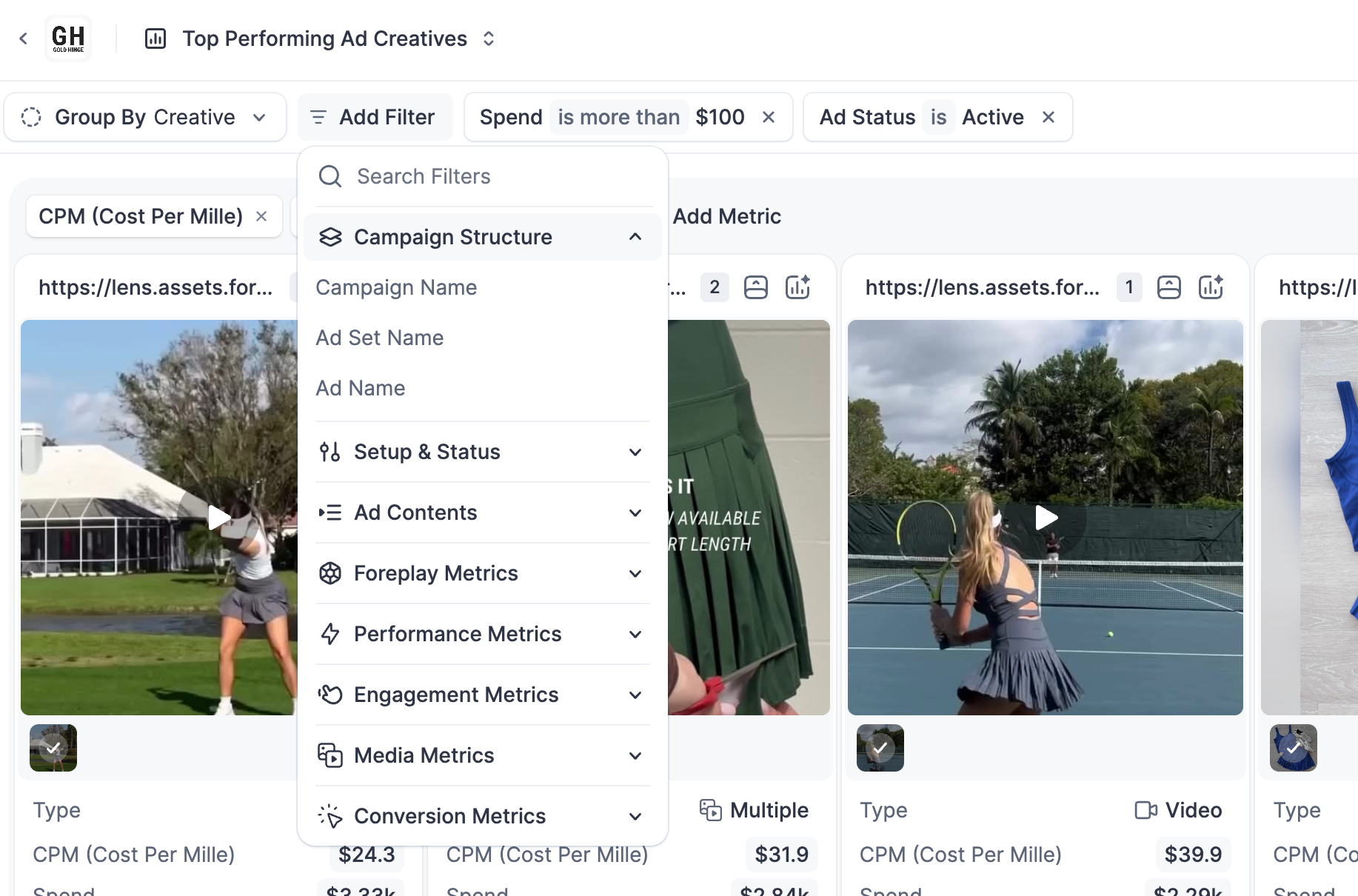
ℹ️ You can stack and combine fields using using ‘And’ + ‘Or’ conditions to create specific and segmented reports to share with anyone.
Filters on the top-level are joined with ‘And’, within these top-level filters you can add sub-level ‘Or’ conditions. Take the following example:

With these filters, we require that all ads have either spend > 1,000 or ROAS > 1.5, and we require that all ads are all active.
If you are looking to compare filter groups, checkout Comparison Reports.
Metadata Filters
Campaign Structure
Filter based on the structure and name in your Campaign, Ad Set or Ad.
Setup & Status
Filter by how and if your creative is being delivered.
Ad Contents
Filter based on fields within the ad unit, such as ad type, landing page, copy, etc.
Metrics
Foreplay Scores
Performance Metrics
Standard paid media and distribution metrics such as Spend, Impressions, CPA etc.
Engagement Metrics
Data associated with how users are interacting with your ad such as Likes, comments, shares etc.
Media Metrics
Data associated with the retention of the ad asset itself such as hook rate, thumb stop ratio, thruplay etc.
Conversion Metrics
Data associated with ad platform native conversions such as Website Purchases and Shop purchases.
Custom Conversions
If applicable, you can also filter by custom conversions imported from your Meta Ad account.
Was this helpful?
Still need help? Share an idea