Benchmarking
Wondering if your performance is actually good? With Benchmarks in Lens, you can compare your key metrics against real-time data from over 20,000+ advertisers—so you know exactly where you stand.
Written By Zach Murray
Last updated Over 1 year ago
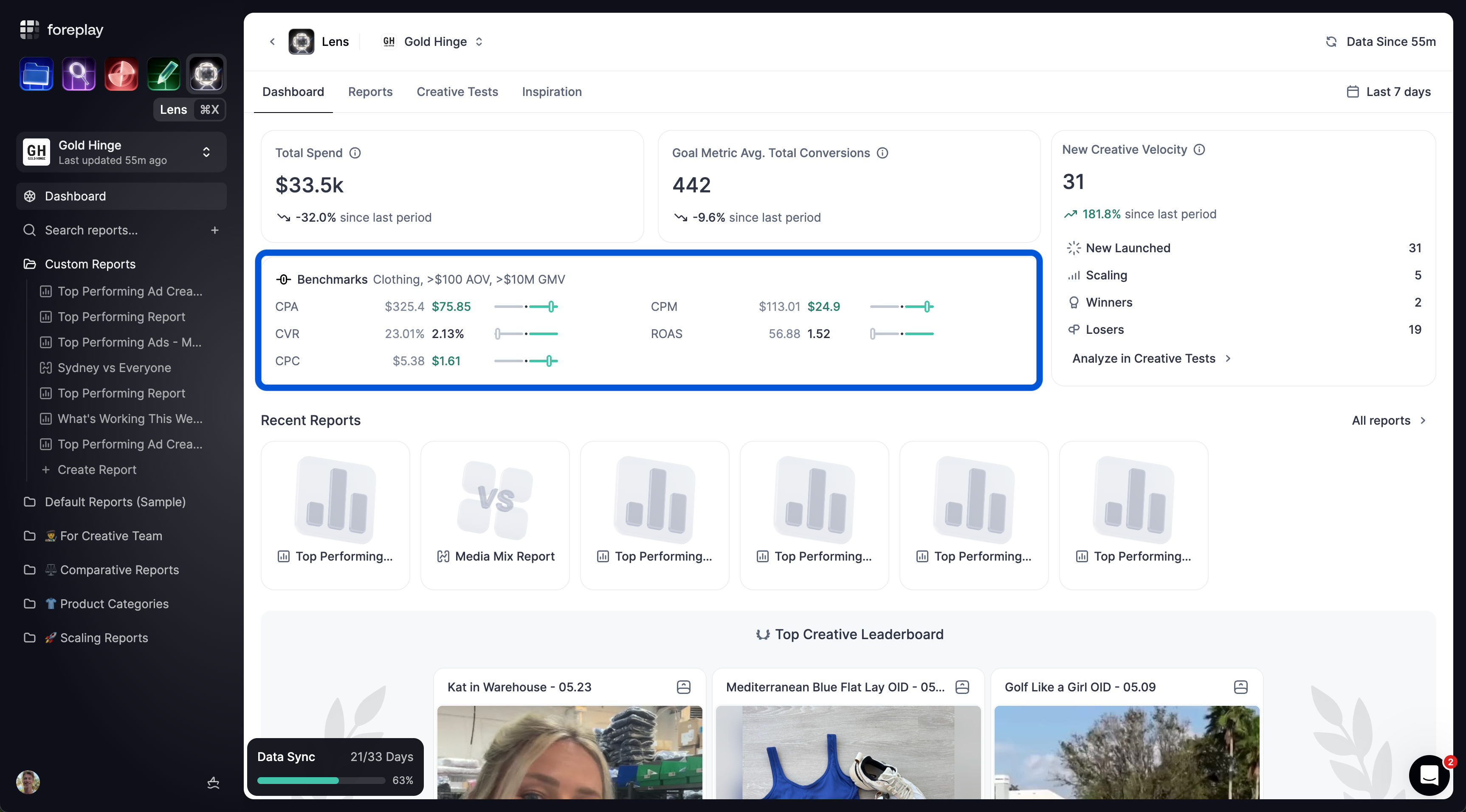
Benchmarks are displayed on the main Lens page and on your Dashboard screen.
How Benchmarks are Calculated & Visualized
Benchmarks in Lens are based on real-time median performance from over 20,000+ advertisers.
The benchmark is represented by the black dot in the center of the visual scale.
This value reflects the median for each KPI — meaning 50% of advertisers are performing above it, and 50% below.
Your own metric is plotted to the left (worse) or right (better) of the benchmark so you can quickly see how you're performing relative to the market.
Benchmarks are updated daily, ensuring you’re always comparing your results against the freshest data available.
This allows you to spot outliers, track progress, and understand what “good” actually looks like in your industry.
🚨 Currently benchmarks are only supported for physical product advertisers - think eCommerce stores. Benchmarks for lead generation and media are coming soon.
GMV & AOV Segments
To ensure benchmark accuracy, Lens segments data by GMV (Gross Merchandise Volume) and AOV (Average Order Value).
GMV Segments:
<$1M
$1M–$10M
$10M
AOV Segments:
<$100
$100
Physical Product Niches
Art
Baby
Books
Clothing
Electronics
Fashion & Accessories
Food & Beverages
Health & Beauty
Home & Garden
Pet Supplies
Sporting Goods
Toys & Hobbies
Other
Was this helpful?
Still need help? Share an idea