Download & Deleting
After you have saved ads you can delete them from your Swipe File or download them locally to your device. Here's how to do both.
Written By Zach Murray
Last updated Over 1 year ago
Downloading Ads
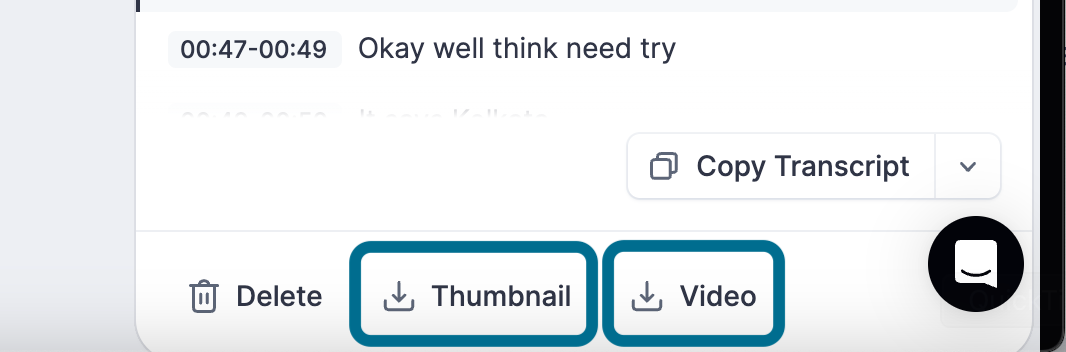
Open the ad details drawer
Click on “Image” or “Video” to download the file locally depending on the ad format.
You can also download the Thumbnail of the video by clicking the “Thumbnail” button.
Downloading DCO / Collection Ads
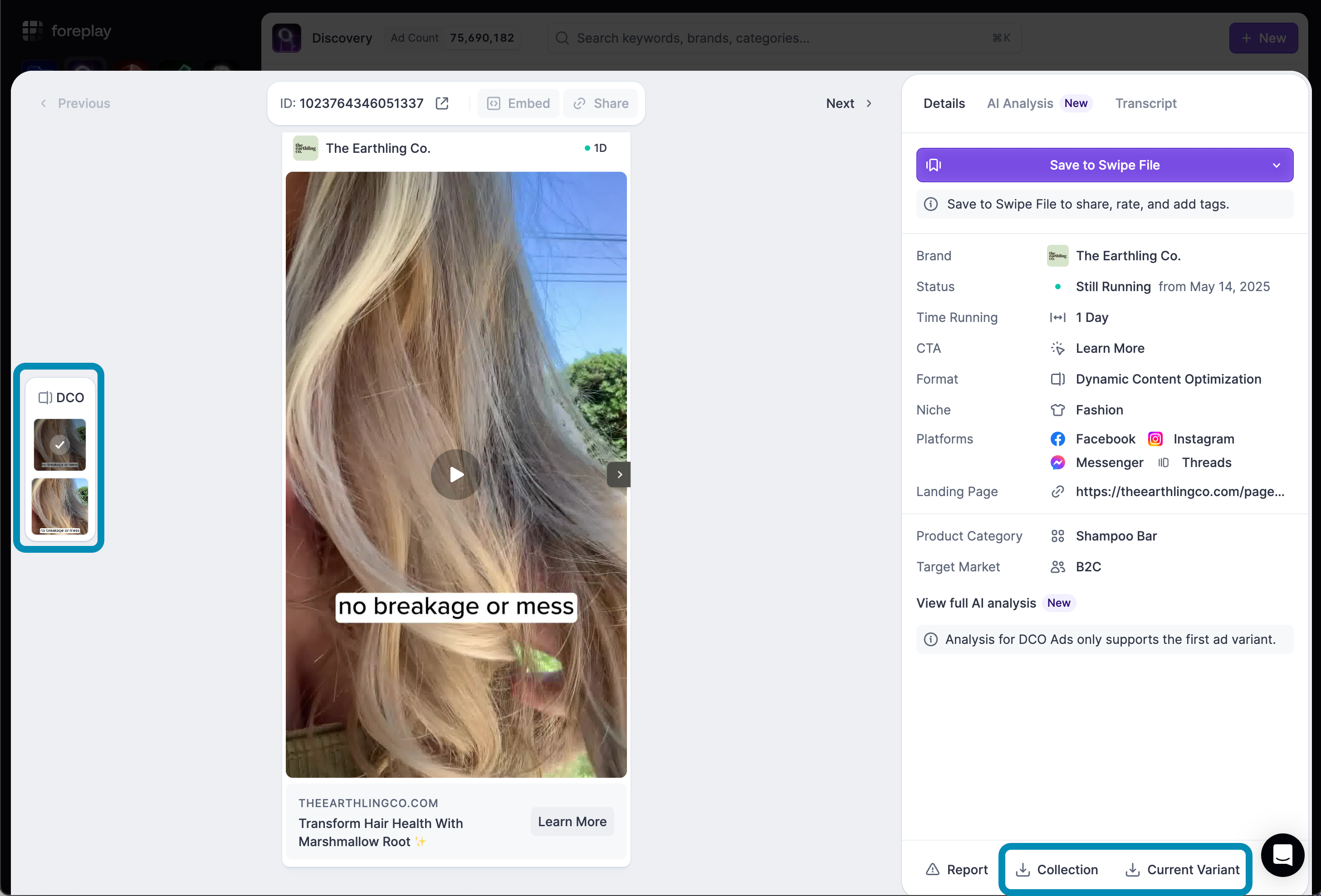
For DCO ads saved from Facebook Ad Library you also have the ability to download the current variant that you are viewing, or download the entire collection as a .ZIP file.
Deleting Ads
Open the ad details drawer
In the bottom right corner click “Delete”
Was this helpful?
Still need help? Share an idea