Lens Account Settings
Learn how to edit and manage your account settings for each ad account in Lens.
Written By Zach Murray
Last updated About 1 year ago
How to edit Connection Settings
1. Open your account settings 👈
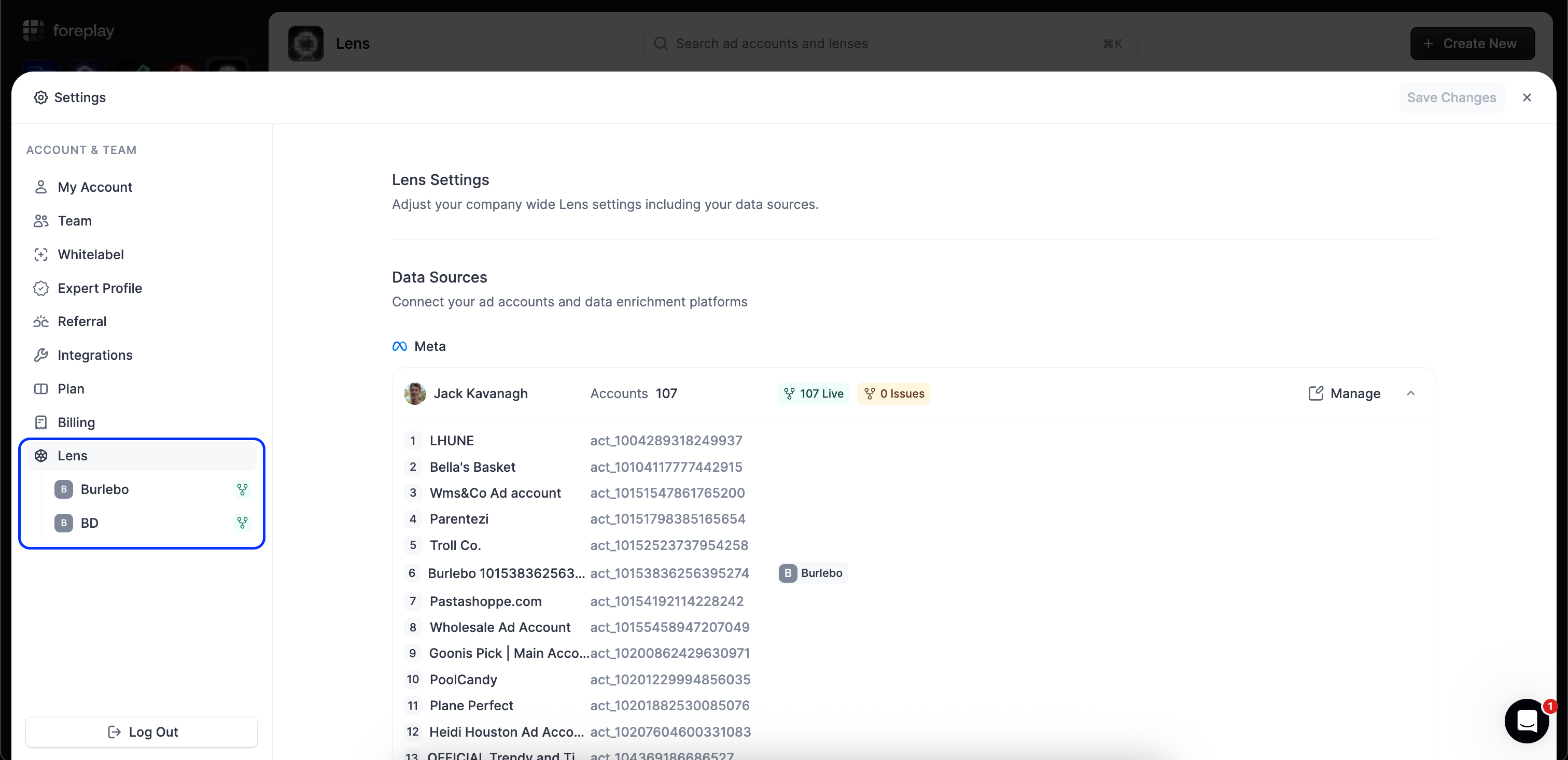
Select “Lens” under your account settings. You can edit your connection for multiple accounts here.
2. Select “Manage” next to your Facebook account
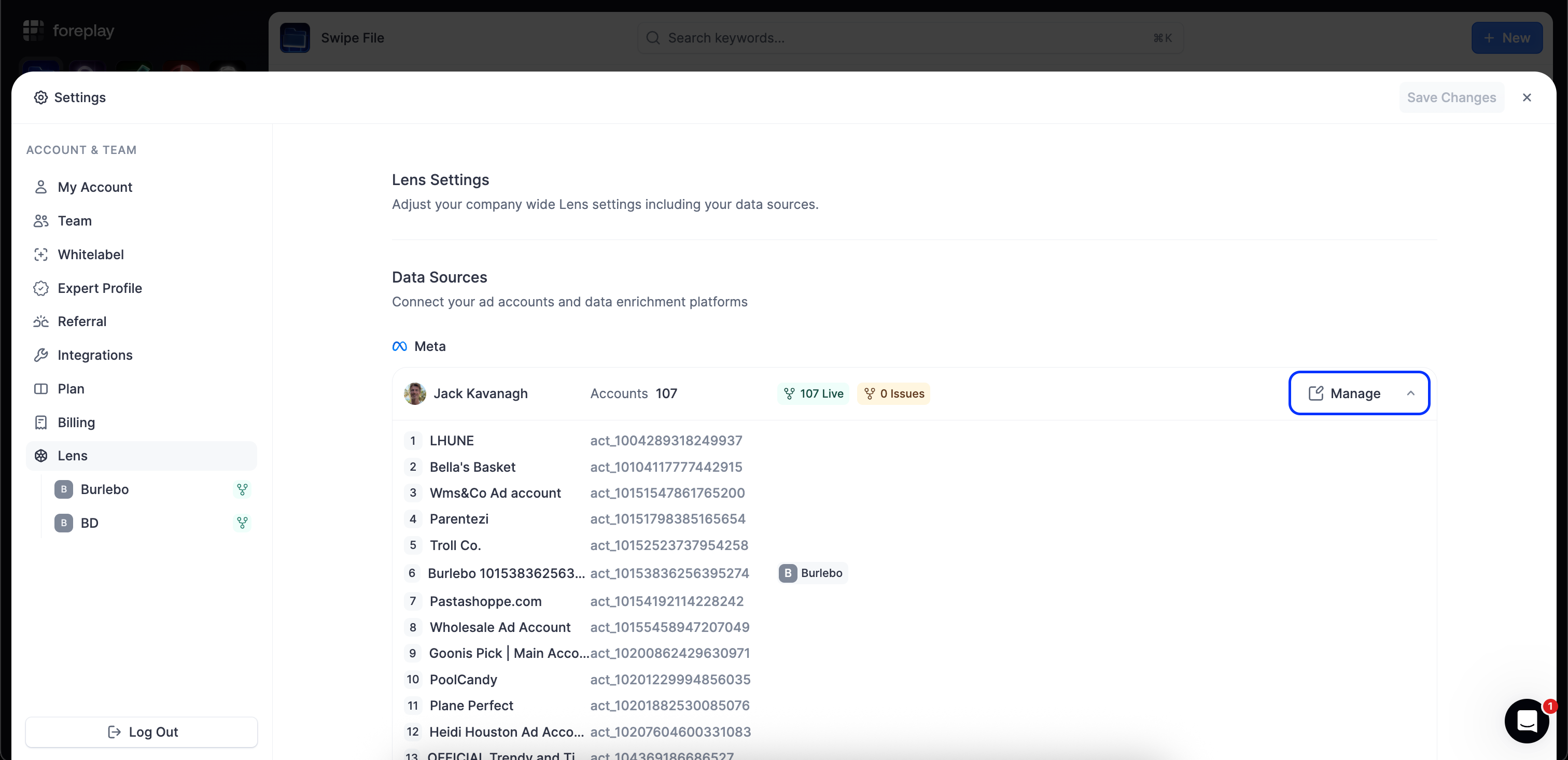
After you select “Manage” you’ll be taken to the Meta Ads connector settings.
You can edit your connection for multiple accounts at once.
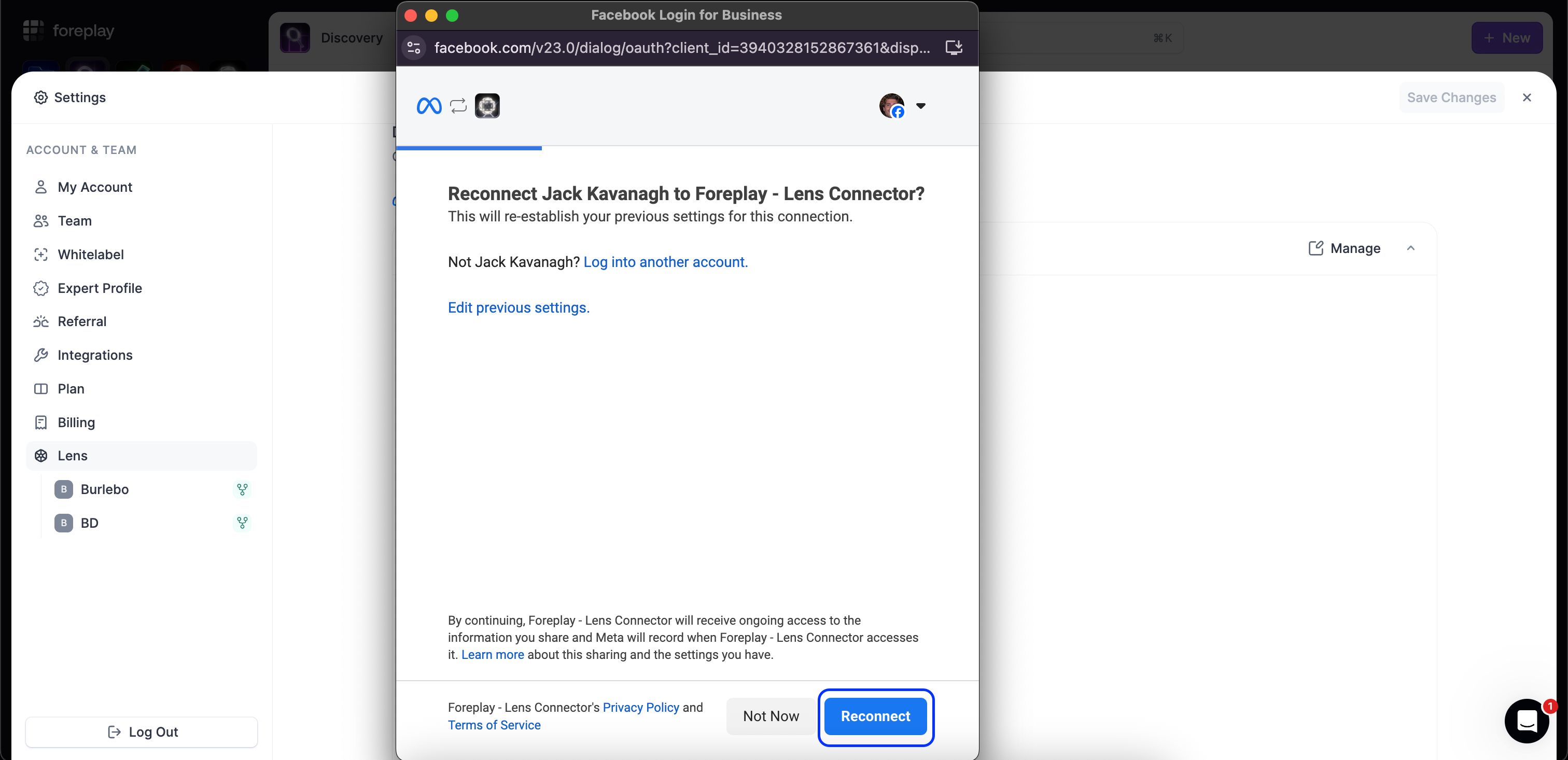
3. Select “Reconnect” in the connector window
4. Choose the businesses you want to connect to Lens
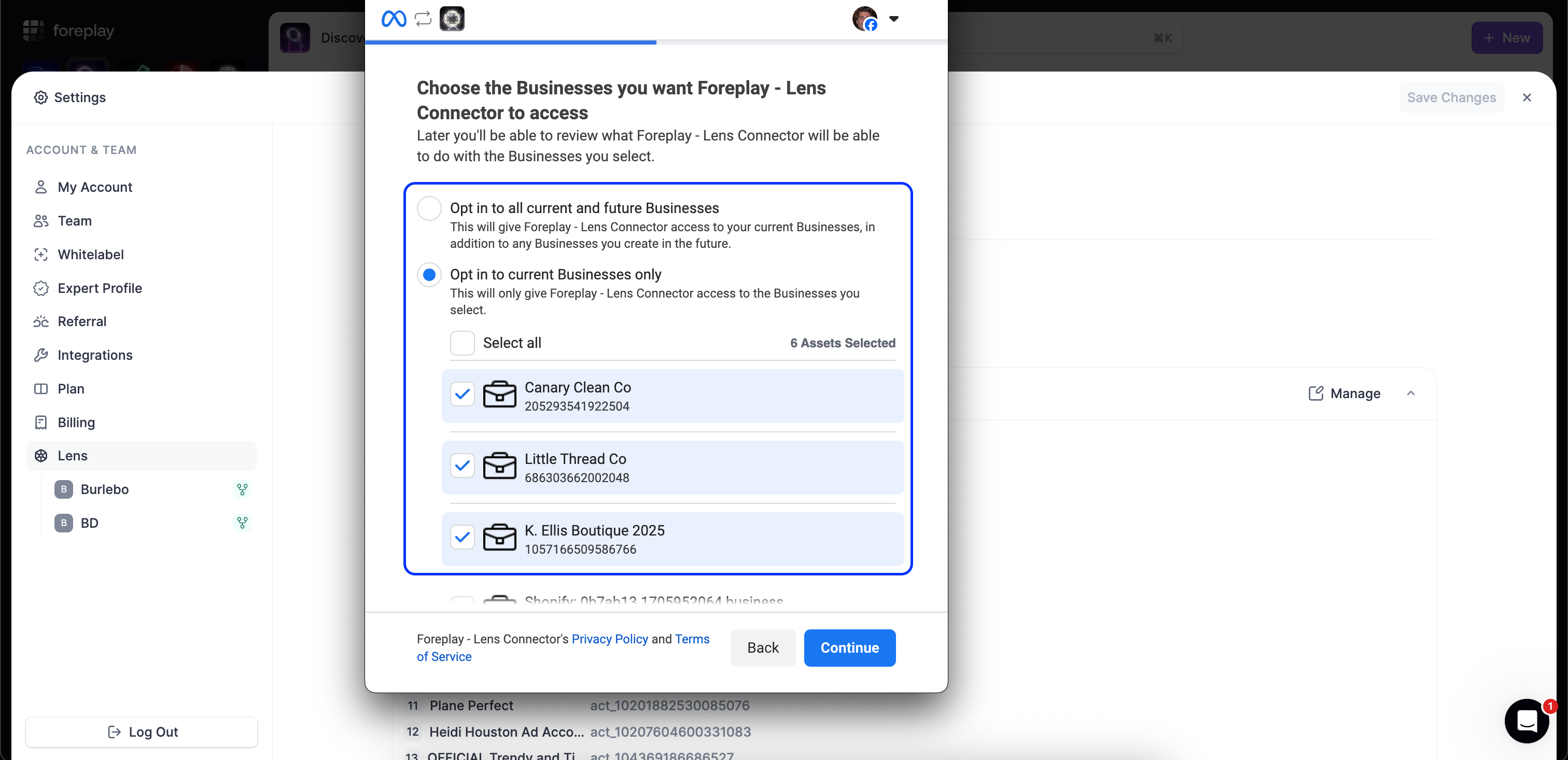
We recommend selecting “Opt in to all current and future businesses” to automatically update your access. However, you can select a specific businesses if you prefer. Note that you will have to manage your connection here to add new businesses every time you want to create a new Lens.
When you’re finished, select “Continue”.
5. Confirm Connection
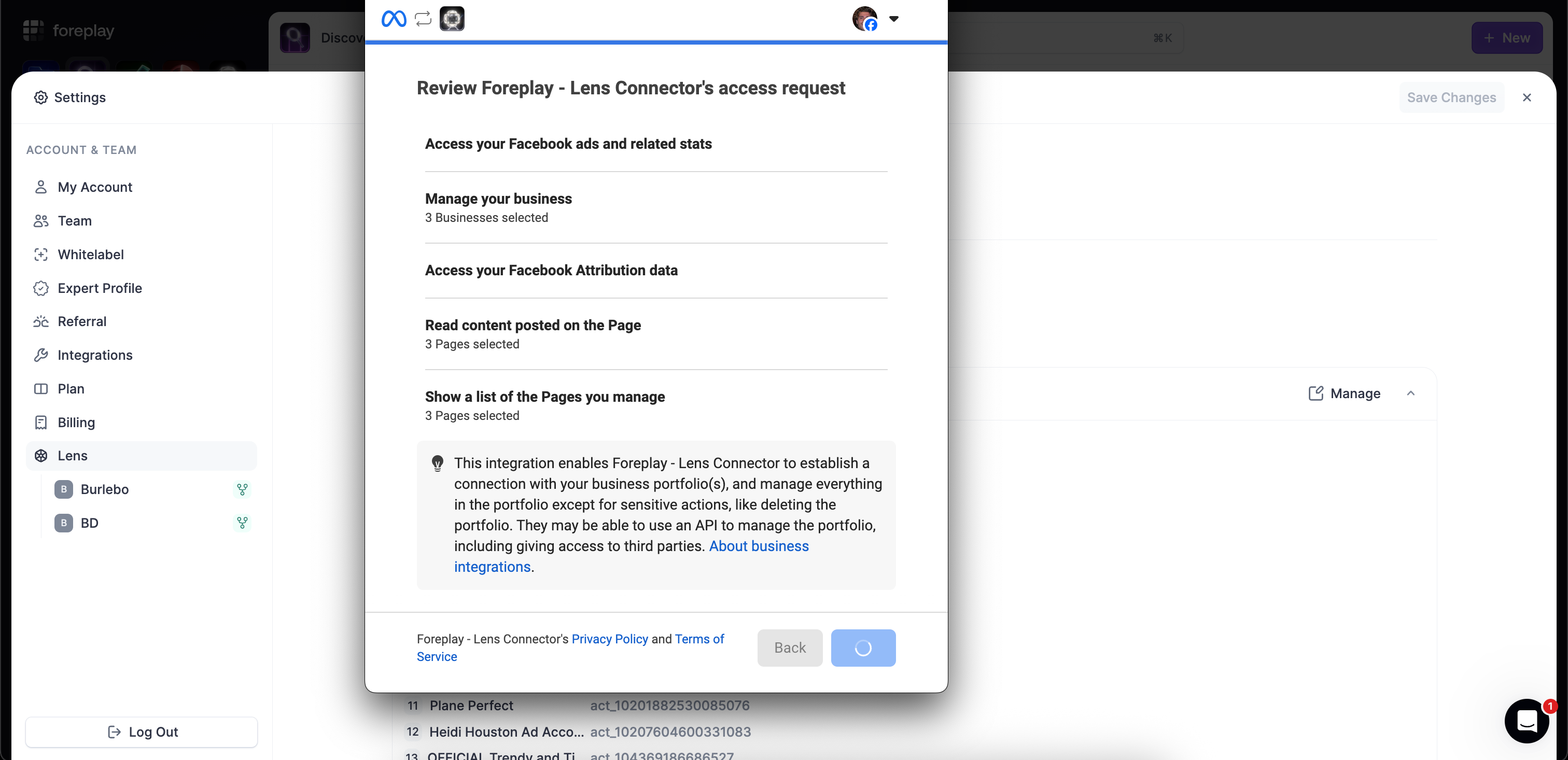
Review and accept the access request to enable Lens to retrieve data from the selected pages and ad accounts.
6. Connection Complete
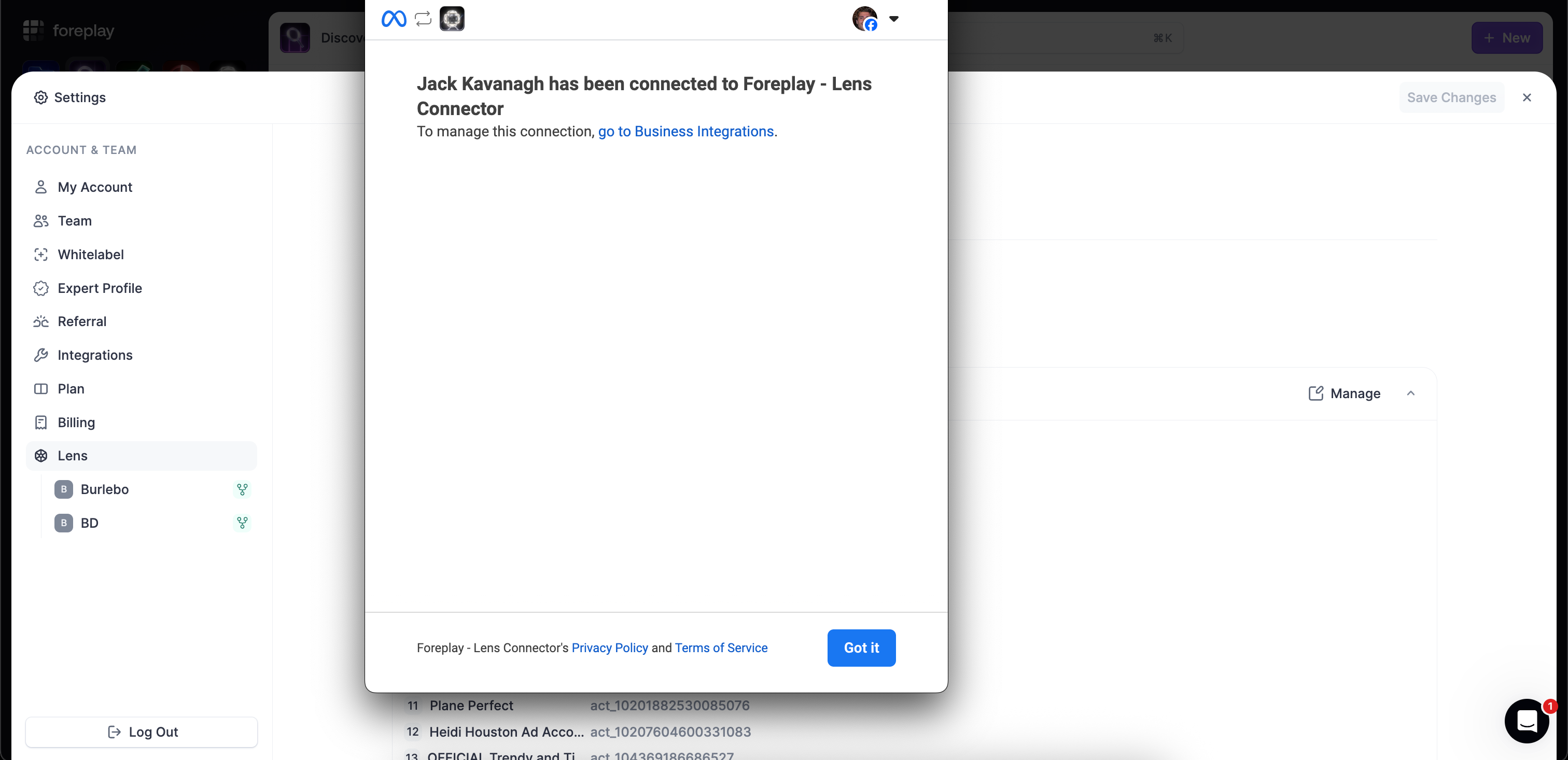
Your connection is complete. Select “Got it” to close the connector.
How to edit Lens Report Settings
Settings you can edit anytime:
✅ Benchmark segments: Niche, AOV, GMV
✅ Default Attribution Window (The attribution window used when creating a new report, however you can always edit this at the report level.)
Settings you can NOT edit:
⛔ Currency
⛔ Reporting Timezone
⛔ If you need to make changes to currency or reporting timezone you must delete the Lens brand and make the correct selections while creating the brand.
How to Delete a Lens Brand
1. Open your account settings 👈
Select your profile picture from the bottom left corner to open your settings. You can also click this link: https://app.foreplay.co/library?settings=lens-overview
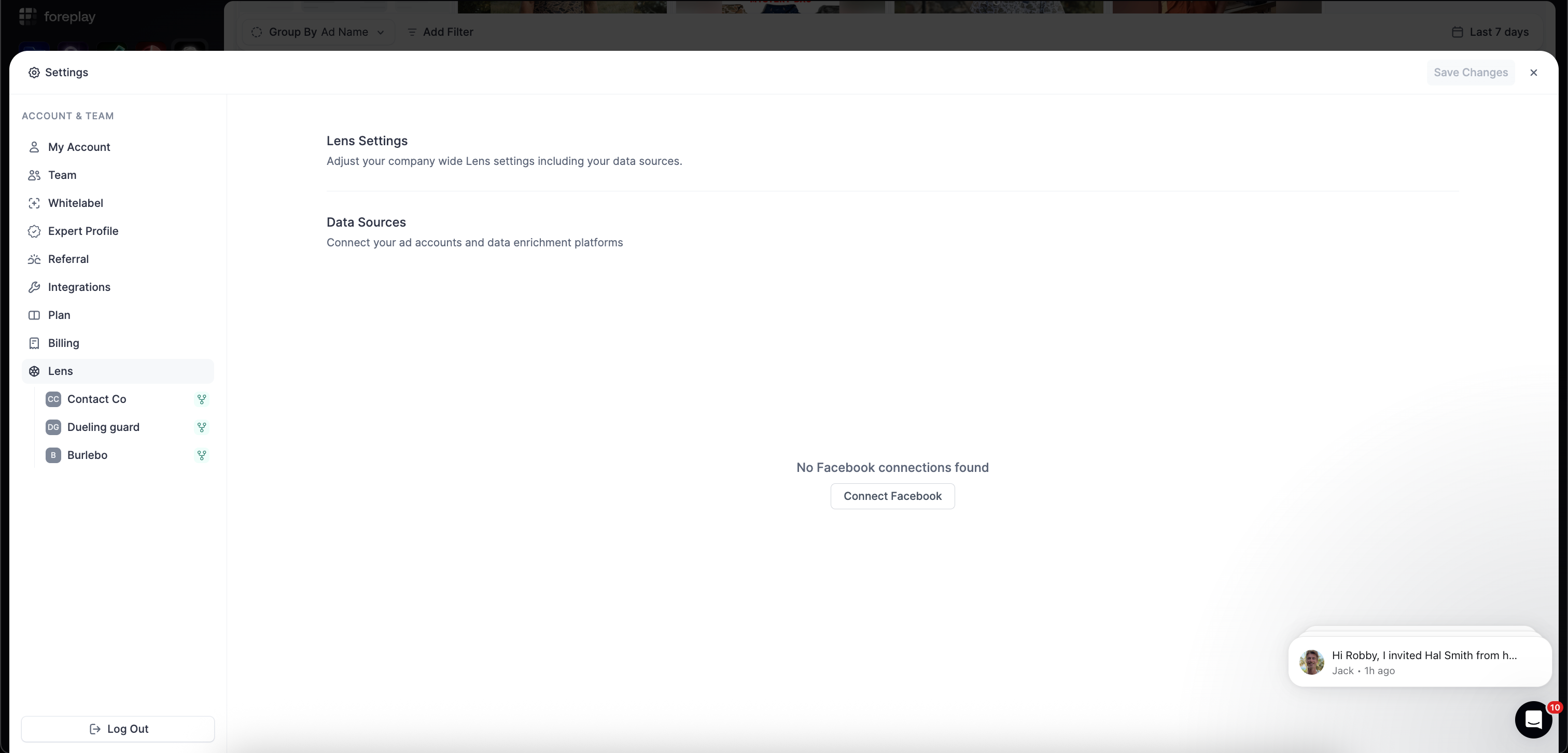
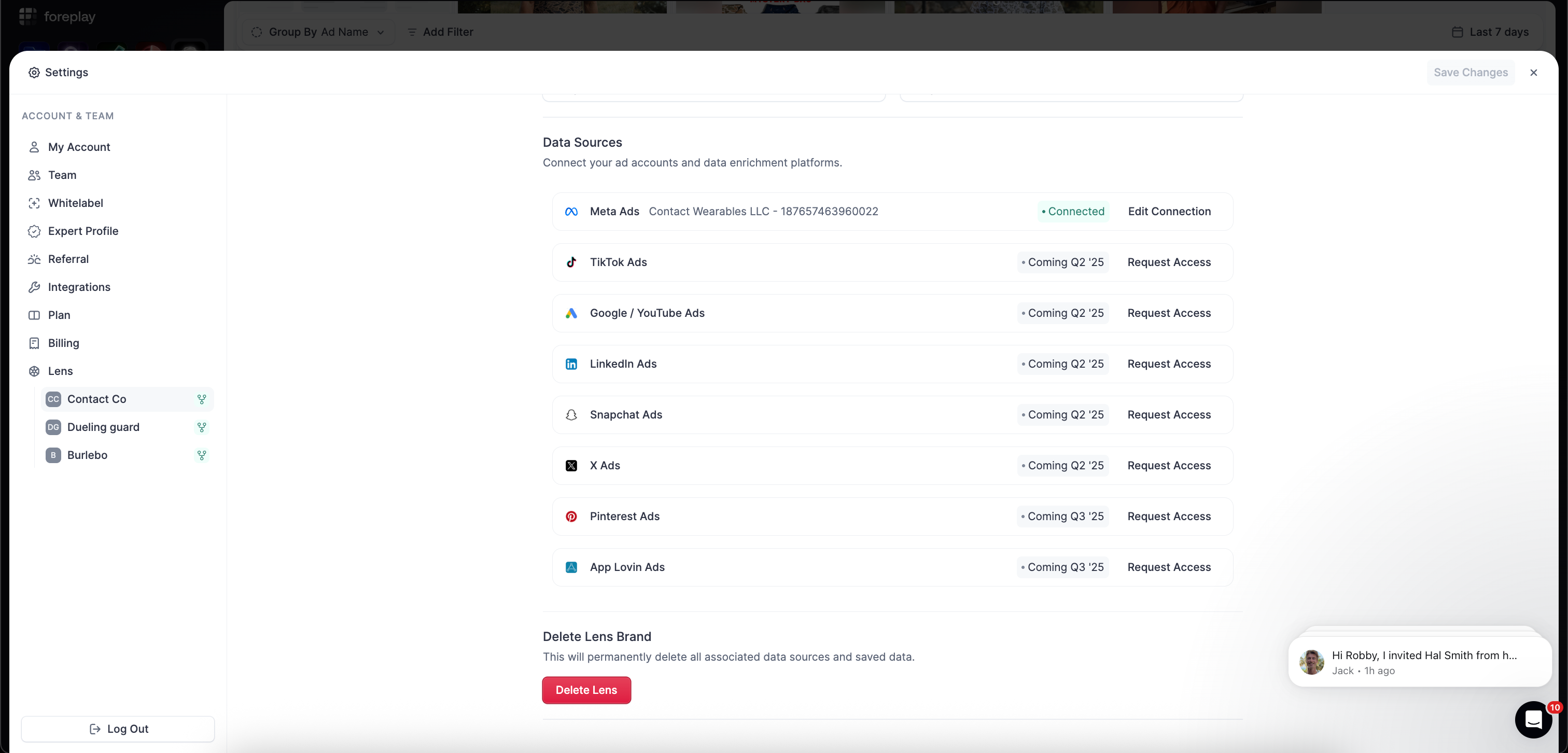
2. Select the Lens account that you want to delete
From the left navigation, select the Lens account you want to delete. This is also where you would go to reconnect a Lens account.
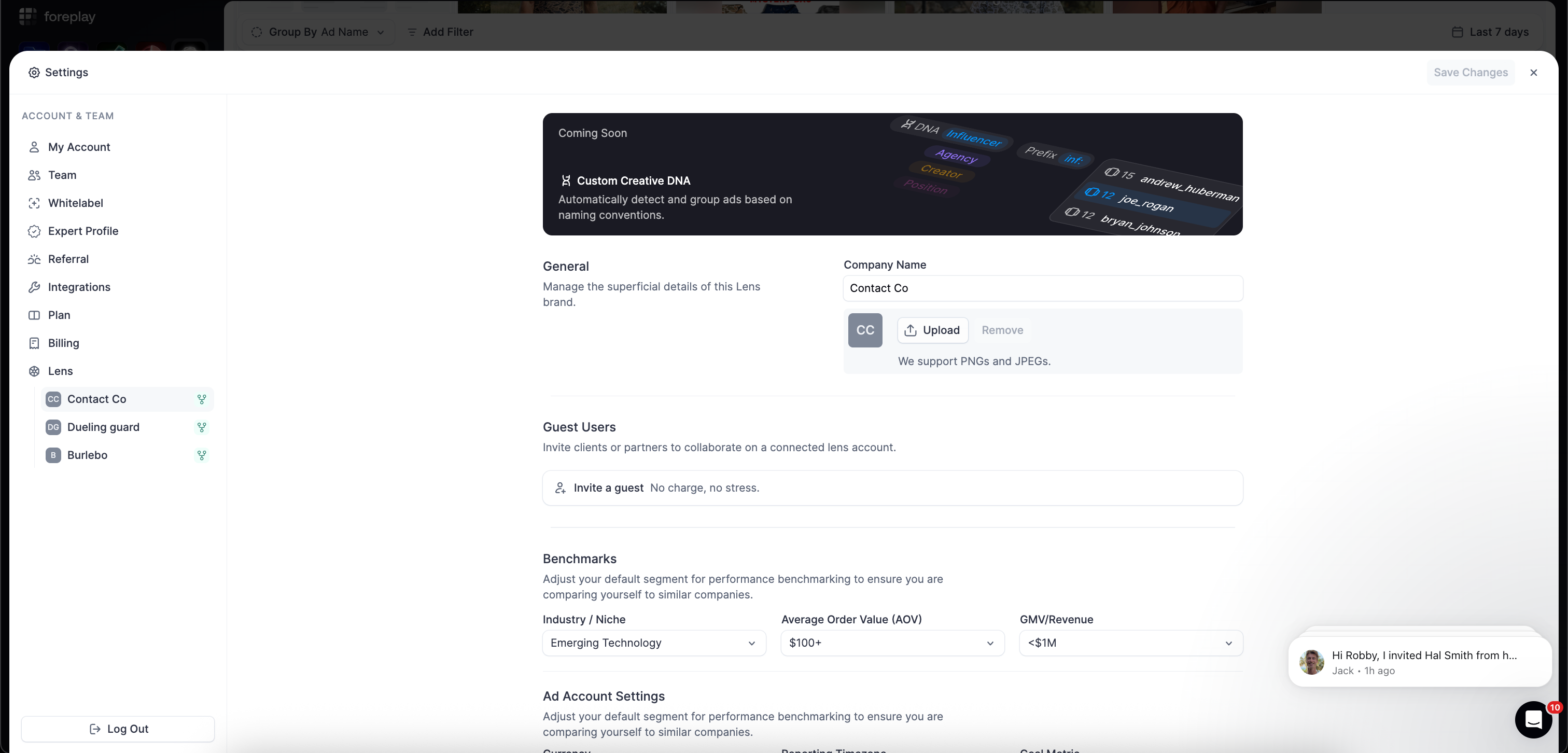
Note: This is in your Lens settings. Click this link to open your settings: https://app.foreplay.co/library?settings=lens-overview
3. Delete the brand
Select the red “Delete Lens” button to delete the Lens account. You can replace it with another Lens after deleting.
Was this helpful?
Still need help? Share an idea