Edit Your Profile
Learn how to change your Foreplay account name and profile photo.
Written By Zach Murray
Last updated About 1 year ago
ℹ️ Your display name and photo are used when commenting inside Foreplay and on the links of Shared Boards and Shared Ads.
Change Display Name
Go to “My Account” on the Account Settings Page
Click on “First Name” or “Last Name”
Enter your desired name
Click “Save Changes”
Change Avatar / Photo
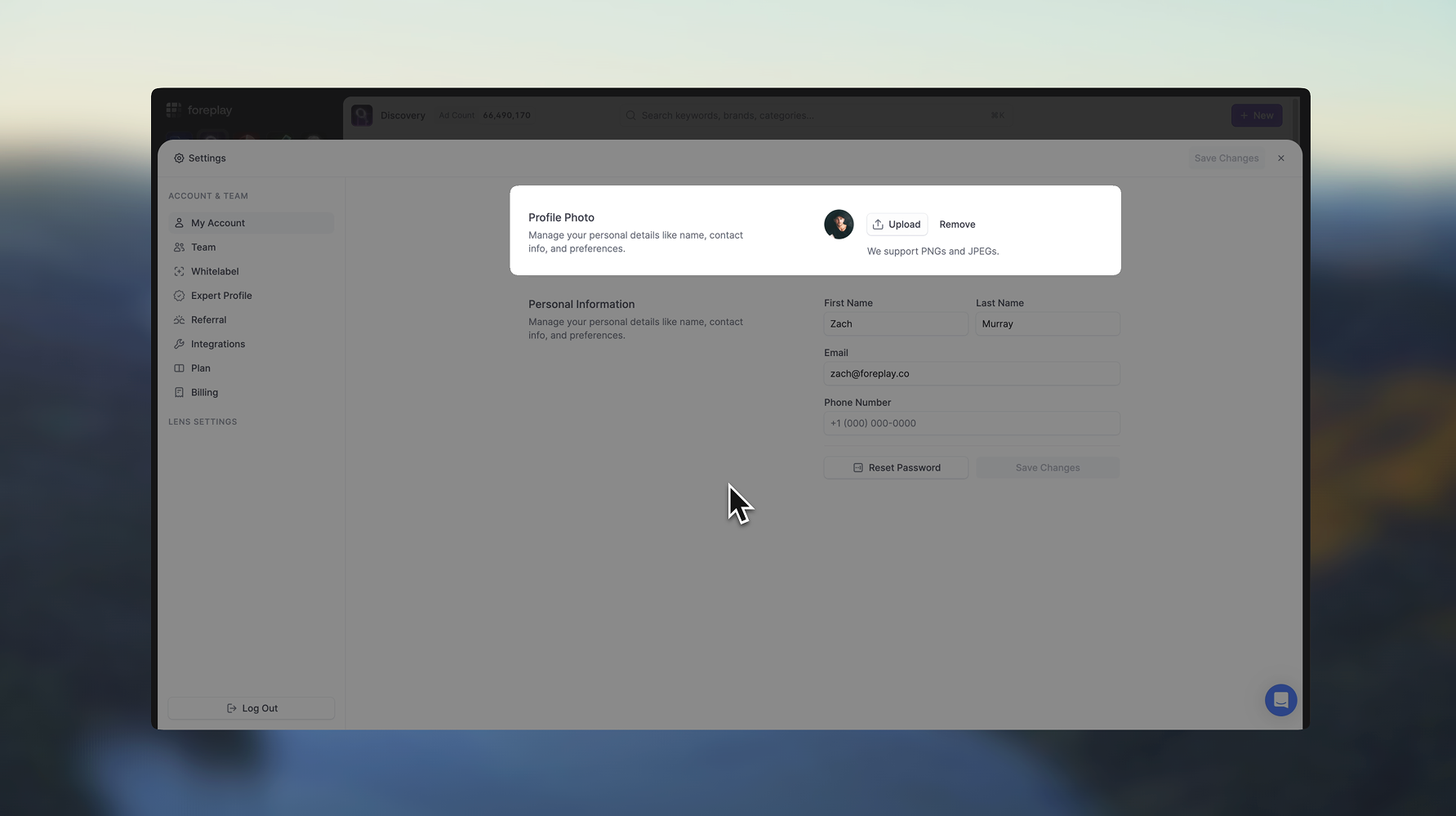
Go to “My Account” on the Account Settings Page
Click the “Upload” button
Choose an image from your computer
Click “Save Changes”
To edit the way your company is displayed on share pages checkout the Whitelabel Settings article.